Shoaib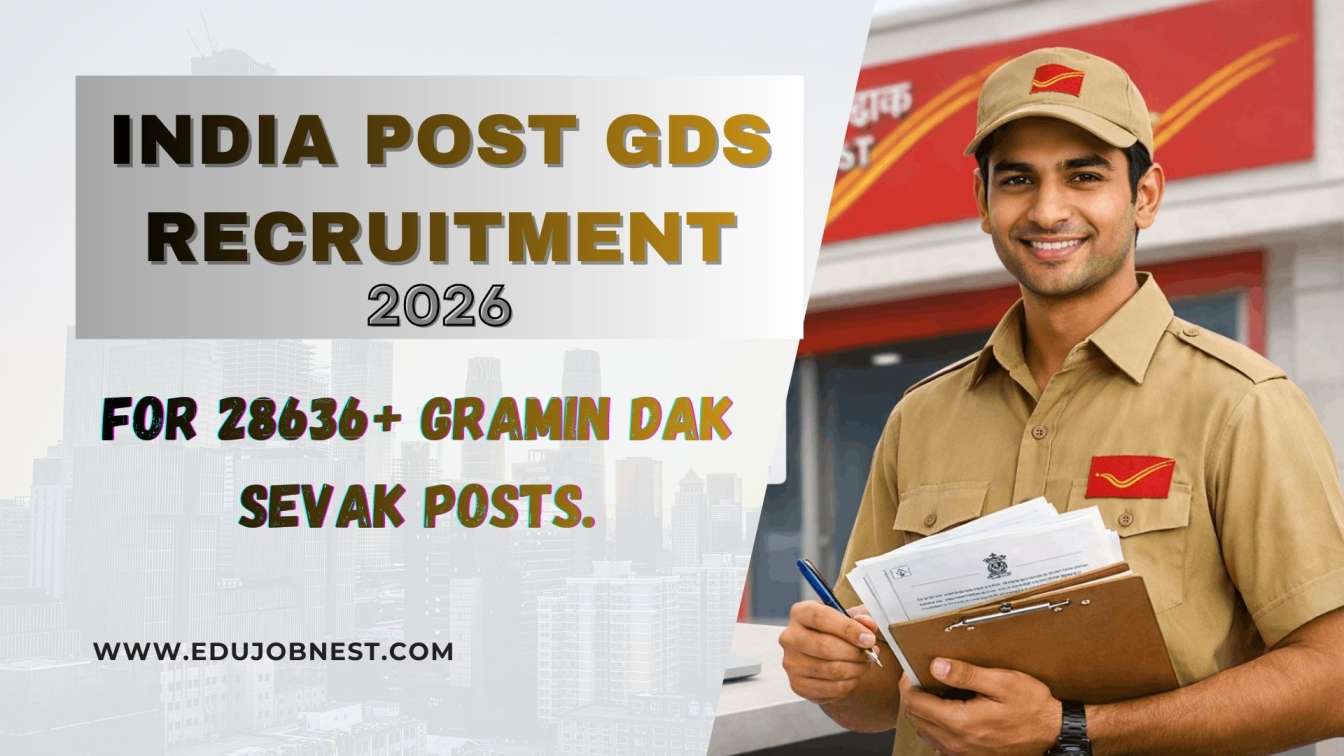
What is India Post GDS Recruitment 2026?
India Post GDS Recruitment 2026 is a nationwide online recruitment drive for Gramin Dak Sevak (GDS) posts, including Branch Postmaster (BPM), Assistant Branch Postmaster (ABPM) and other rural postal‑delivery roles. The recruitment is conducted through the GDS Online Engagement Portal (indiapostgdsonline.gov.in), where all registration, application correction and result checking take place.
Over 28,636 vacancies have been announced across states, making this one of the largest Class‑10 level government job batches in 2026. The selection is merit‑based on Class 10 marks, with no written exam in the first stage, so early application and correct form‑filling are crucial.
Also Read: India Post GDS Merit List 2026: Download Link
GDS Recruitment 2026: Key Highlights
Here is a quick snapshot of India Post GDS Recruitment 2026 that you must know before applying:
Eligibility Criteria for GDS Recruitment 2026
To apply for GDS 2026, you must strictly meet the age, education and other conditions as per the official notification.
1. Educational Qualification
- Minimum qualification: Passing Class 10 (Matriculation) from a recognized board is mandatory.
- Your Class 10 marks are used to calculate the merit score for shortlisting, so having a higher percentage improves your chances.
- Some states may prefer candidates with 10+2 or basic computer knowledge, but Class 10 is the universal cut‑off.
2. Age Limit
- Age range: Candidates should be between 18 and 40 years as of 1 January 2026, unless otherwise specified in state‑specific notifications.
- Age relaxation is provided as per government norms for reserved categories (SC/ST/OBC/PwD/EWS), ex‑servicemen, etc.
- Always check the official GDS notification PDF for your state, because age norms may differ slightly by region.
3. Other Eligibility Conditions
- Domicile/Residence: Preference is usually given to candidates who belong to the rural area or district where the GDS post is located.
- Language: Basic knowledge of the local language and English is often preferred because you have to handle customer‑facing work in post offices.
- No criminal record: Candidates must not have any criminal background or pending serious cases, as GDS is a government representative role.
GDS Vacancy 2026: State‑wise Distribution
India Post has released state‑wise GDS vacancy lists for 2026, so you should always verify your district and circle before applying.
Major States with High GDS Vacancies
- Uttar Pradesh, Bihar, Rajasthan, Madhya Pradesh, West Bengal, Tamil Nadu, Andhra Pradesh and Telangana are among the states with the highest number of GDS posts.
- Each state has multiple sub‑categories such as BPM, ABPM and Dak Sevak, and seats are further divided by postal circle and sub‑division.
How to Check Your State‑wise GDS Vacancy
- Go to the GDS Online Engagement Portal →
https://indiapostgdsonline.gov.in. - Click on “Notification” / “Vacancy Details” or equivalent link.
- Open the GDS 2026 notification PDF for your circle (state) and check the table of vacancies.
- Note the district code, post type (BPM/ABPM/Dak Sevak) and number of seats before starting the online form.
How to Apply for GDS Recruitment 2026: Step‑by‑Step
Even though the main apply window closed in mid‑February 2026, the correction window and document‑verification‑related queries are still heavy, so understanding the full apply process is critical for SEO and user intent.
Below is a step‑by‑step guide on how to apply for GDS 2026 (as per the official procedure).
Step 1: Visit the Official Portal
- Open the GDS Online Engagement Portal:
-
-
https://indiapostgdsonline.gov.in (primary official site).
-
- Look for the “GDS 2026” or “Apply Online” section.
Step 2: Register New User
- Click on “New Registration” or “Create New Account”.
- Fill basic details:
-
-
Name
-
Date of birth
-
Mobile number
-
Email ID
-
Category (SC/ST/OBC/EWS/General)
-
- After submitting, you will receive an OTP on your mobile/email.
- Enter OTP to verify and complete registration.
Step 3: Login and Fill GDS Application Form
- Log in with your user ID and password.
- Go to the “Apply for GDS 2026” option.
Section‑wise details to fill:
- Personal Information:
-
-
Full name
-
Father’s name
-
Mother’s name
-
Gender
-
Date of birth
-
Category, sub‑category, PwD status (if applicable).
-
- Contact & Address:
-
-
Mobile number
-
Email
-
Permanent address
-
Village/Town, District, State, PIN code.
-
- Educational Details:
-
-
Class 10 board, school name, year of passing, marks obtained, percentage, CGPA conversion (if applicable).
-
Upload scanned Class 10 marksheet and passing certificate in the required format (PDF/JPG, size limit as per portal).
-
- Address & Domicile Proof:
-
-
Upload Aadhaar, voter ID, ration card, or any valid address proof as per the instructions.
-
- Photo & Signature:
-
-
Upload a recent passport‑size photo and clear signature in the specified dimensions and file size.
-
Step 4: Pay Application Fee (If Applicable)
- The fee structure is as follows (typical pattern; check latest notification):
-
-
General / OBC: ₹100–₹150 (online payment only)
-
SC / ST / PwD / Women (sometimes): Fee exempted or reduced
-
- Payment modes:
-
-
Net Banking
-
Credit/Debit card
-
UPI or other online gateways supported by the portal.
-
- After successful payment, you will get a payment receipt/transaction ID. Keep it saved.
Step 5: Preview and Submit Application
- Before final submission, use the “Preview / Review” option to cross‑check all details.
- Make sure:
-
-
Name spelling
-
Date of birth
-
Category
-
District and preferred post (BPM/ABPM/Dak Sevak)
-
- Once satisfied, click “Submit / Final Submit”.
Step 6: Save Application Form and Print
- Download and save the final GDS application form PDF on your device.
- Take a printout for future reference and document verification.
- Note the application number / registration ID; you will need it to check GDS result 2026 and correction window.
Also Read: Govt Jobs After 12th Pass 2026: Complete Guide to High-Salary Career Opportunities
GDS Online Correction/ Edit Window 2026
After the main apply window closed, India Post opened a correction or edit window for GDS 2026 so candidates can correct minor mistakes like name, date of birth, category or upload quality.
Key Points About the Correction Window
- No new registration is allowed during correction; only existing applicants can log in and edit.
- Only specific fields are editable (name, parent’s name, category, DOB, state, etc.), while others such as exam marks or post preference may remain locked.
- No further chance is given after the correction window closes, so every applicant must complete the edits within the notified dates.
How to Use the GDS Correction Utility
- Go to
indiapostgdsonline.gov.inand log in with your credentials. - Open the “GDS Correction 2026” or “Edit Application” link.
- Make the required changes in the highlighted fields.
- Re‑upload documents if needed (photo, signature, marksheet, etc.).
- Click “Save / Submit Changes” and download the updated application form.
GDS Recruitment 2026: Selection Process & Result
Since this is a merit‑based GDS recruitment, the process is slightly different from other written‑exam‑based posts.
1. First Merit List (Shortlist)
- India Post prepares a state‑wise merit list using Class 10 percentage/marks of shortlisted candidates.
- The first merit list 2026 has already been released for 28,636 posts, and candidates can check their names on the official portal.
- Selected candidates are called for physical / document verification at designated post offices or offices.
2. Document Verification
- Shortlisted candidates must bring original documents such as:
-
-
Class 10 marksheet and passing certificate
-
Aadhaar card
-
Caste certificate (if applicable)
-
Domicile / residence proof
-
PwD certificate (if applicable).
-
- Failure to provide valid documents or mismatch in details may lead to disqualification, even if the name appears in the merit list.
3. Next Lists (Second & Subsequent Merit Lists)
- If vacancies remain after the first list, second and further merit lists may be released based on the same merit‑based ranking.
- Aspirants should keep checking the official portal and local news for updates on second merit list 2026.
4. Final Appointment (GDS Job Letter)
- After successful document verification, selected candidates receive an appointment letter and are asked to join the Gramin Dak Sevak post in their allocated village branch post office.
- Training and probation are usually short and field‑based, as the job is more operational and service‑oriented.
GDS Recruitment 2026: Salary, Benefits and Job Profile
Understanding the salary and real‑world role is essential for SEO because users also search “is GDS job good?”.
1. Basic Pay and Salary Structure
- GDS salary follows the India Post pay scale for Gramin Dak Sevak posts.
- Typical monthly income ranges from ₹12,000–₹18,000 depending upon:
-
-
Role (BPM vs ABPM)
-
Location (rural vs semi‑urban)
-
Additional incentives and commissions.
-
- Exact figures are updated in the official GDS 2026 notification PDF, which you should check circle‑wise.
2. Benefits and Perks
- Fixed rural government job in your own village or nearby area, reducing commute and shifting costs.
- Social security coverage like pension‑linked schemes (varies by state and policy).
- Respect and stability in rural communities, as GDS is the main contact point for postal services.
3. Job Responsibilities
- Handling inward and outward mail in rural post offices.
- Selling postage stamps, forms, money orders, savings‑related services (where applicable).
- Providing basic citizen services such as certified copies, postal life‑insurance forms, savings schemes information, etc.
Common Mistakes to Avoid in GDS 2026 Application
Poorly filled forms are a major reason for disqualification or rejection, even when the candidate satisfies eligibility.
- Wrong DOB or name spelling – leads to mismatch in documents and disqualification.
- Incorrect category selection – if you are SC/ST/OBC, choose the correct sub‑category and upload valid certificate.
- Wrong district / village selection – applying for a distant district may reduce your chances due to local preference.
- Poor‑quality photo / signature uploads – blurred or out‑of‑size images may cause rejection at the verification stage.
About the Author